Google released a new keyboard app for the iPhone a couple of days ago and I think it is the best thing in the world. Here is 3 reasons why you should download Google’s Gboard for your iPhone.
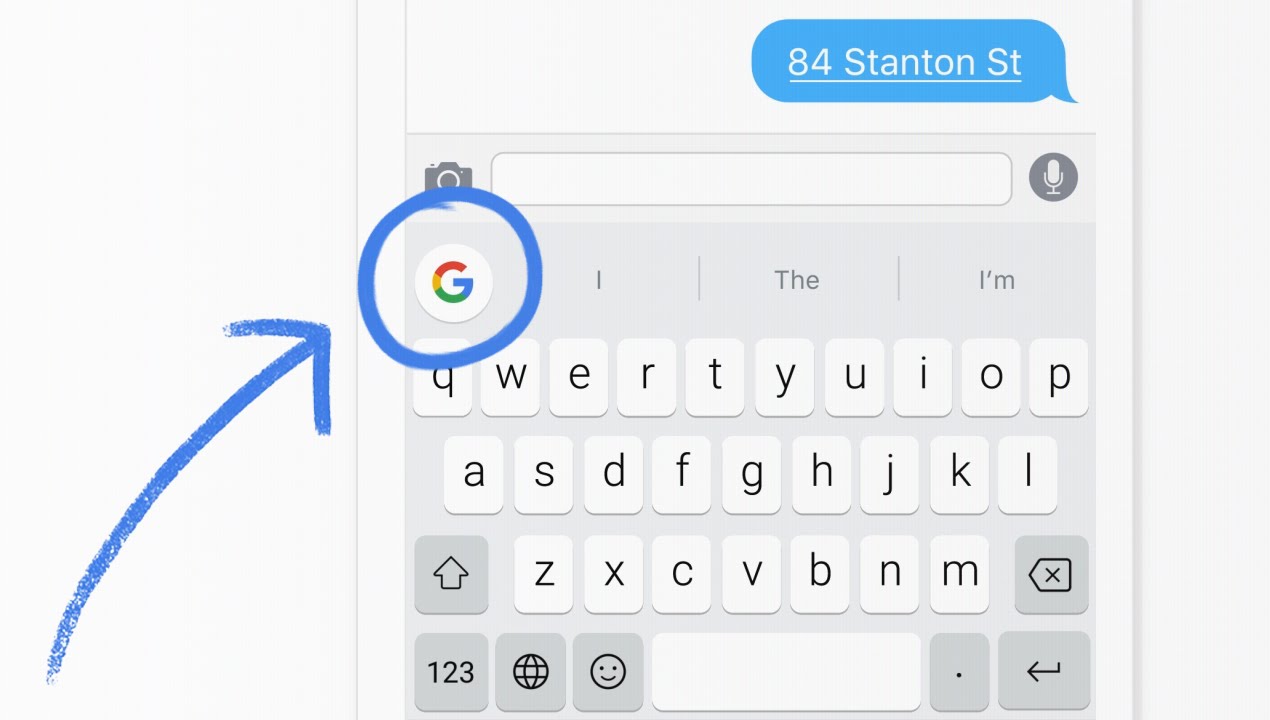
This keyboard has a special button at the top left in which you can press it and do a google search. You can search for just about anything and when you find something you like, you can copy it as a “card.” If your in iMessage, you can send that card as a photo and it looks really nice. I love this feature because you can send someone some information that is quick and easy. That’s not all with the Google button, you can also search for GIFs, Emoji, nearby points of interest, weather, news, and sports scores.
This keyboard also has a slide type feature which can make you type really fast on your phone. Slide typing can be a great feature, horrible feature, or you just don’t care about it feature. I love it and I am very happy to report back to you that it works very well.

The last feature is just a really cool feature and honestly Apple should just put this right into their own default keyboard because it is super helpful. This feature would be when holding down on the spacebar and swiping, the cursor moves around on what you were just typing. This would be very helpful for when you type something out but you spelled a word wrong. It is really annoying having to hold down on the screen in the general area of where the word you want to change is and then having to fine tune to exactly where you want your cursor to be. This would eliminate that and it is so simple and easy to use and I just love it. It saves me so much time and the frustration of dropping the cursor in the wrong place.
